⚡
Superhero Power Cuffs & Energy Bracers
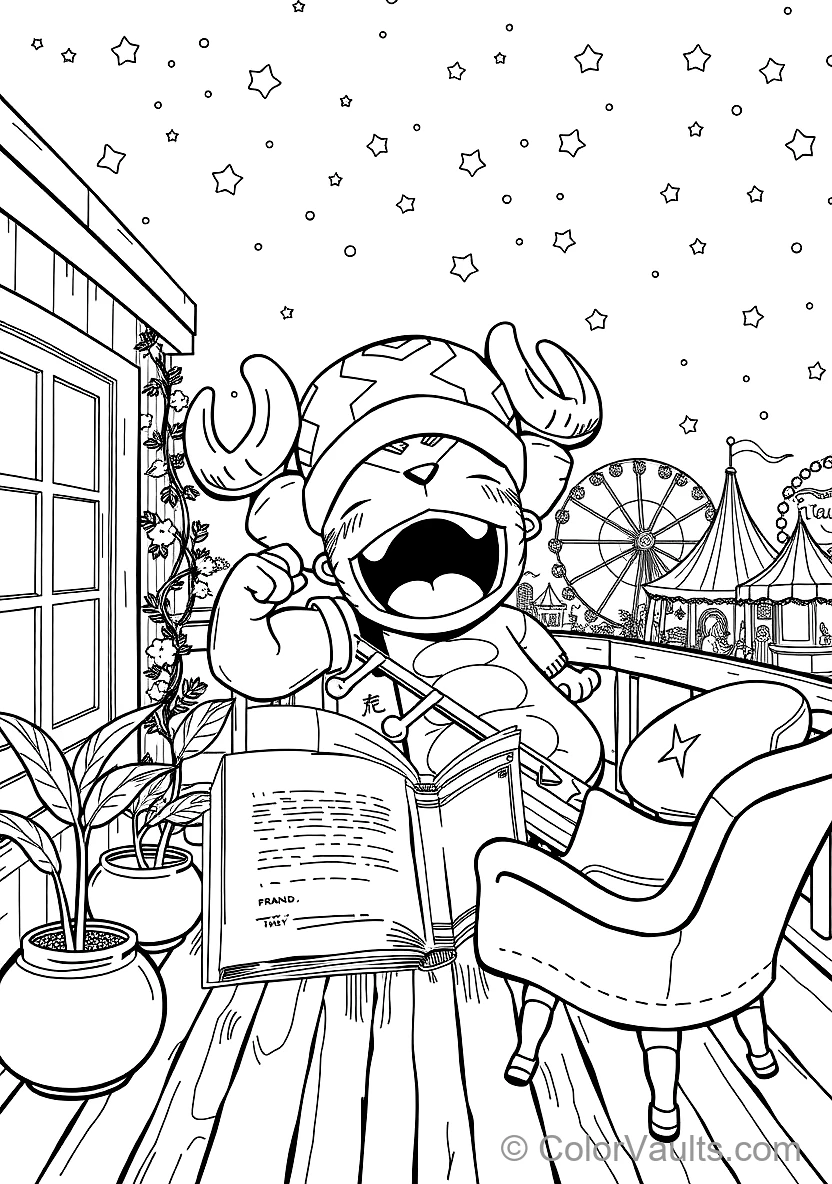
Split cardboard tubes down the middle and armor them with Tony Tony Chopper in Monster Point Giant Beast Form (Scene 3) badges to channel your superpowers!
✂️Supplies Needed
- Tony Tony Chopper in Monster Point Giant Beast Form (Scene 3) coloring page
- 2 empty toilet paper tubes
- Silver foil or metallic paper
- Glue and scissors
👉View step-by-step guide (4)
- Slit both cardboard tubes lengthwise so they spring open and slip comfortably over your wrists.
- Wrap the cuffs in silver foil for an impenetrable high-tech metallic finish.
- Color the fierce action icons of Tony Tony Chopper in Monster Point Giant Beast Form (Scene 3) in high-voltage colors and cut out.
- Paste your hero badges onto each wrist guard, snap them on, and unleash your powers!
👾
Retro 8-Bit Pixel Art Mosaic Grid
Snip neat tiny colored paper squares and build a textured 8-bit arcade mosaic over Tony Tony Chopper in Monster Point Giant Beast Form (Scene 3).
✂️Supplies Needed
- Tony Tony Chopper in Monster Point Giant Beast Form (Scene 3) coloring page
- Colored origami squares
- Glue stick
- Scissors or paper trimmer
👉View step-by-step guide (4)
- Slice sheets of bright craft paper into precise 0.5-inch square pixel tiles.
- Determine which hero features of Tony Tony Chopper in Monster Point Giant Beast Form (Scene 3) to color and which to pave in blocky pixels.
- Glue tiles tightly edge-to-edge in horizontal raster scan lines.
- Step back and admire your authentic 8-bit arcade gaming masterpiece!
🃏
Collectible Hero Trading Cards with Power Stats
Trim Tony Tony Chopper in Monster Point Giant Beast Form (Scene 3) to standard trading card size, draft battle stats (Attack, Defense, HP), and duel your friends.
✂️Supplies Needed
- Colored Tony Tony Chopper in Monster Point Giant Beast Form (Scene 3)
- Cardstock blanks (2.5 x 3.5 inch)
- Fine tip pen
- Card sleeves or laminate
👉View step-by-step guide (4)
- Color Tony Tony Chopper in Monster Point Giant Beast Form (Scene 3)'s character illustration with fierce energy aura and high contrast.
- Mount onto rigid 2.5 x 3.5 inch playing card backing.
- Draw stat boxes along the footer listing Attack Power, Defense Shield, and Special Move.
- Slide into clear trading card sleeves and challenge your rivals to a showdown!
🚪
Gaming in Progress / Do Not Disturb Door Hanger
Craft a bold bedroom door hanger featuring Tony Tony Chopper in Monster Point Giant Beast Form (Scene 3) warning visitors to stay quiet during clutch matches.
✂️Supplies Needed
- Tony Tony Chopper in Monster Point Giant Beast Form (Scene 3) coloring page
- Heavy cardstock (4 x 10 inch)
- Compass or cup to trace knob hole
- Markers
👉View step-by-step guide (4)
- Color the action pose of Tony Tony Chopper in Monster Point Giant Beast Form (Scene 3) in punchy vibrant neon shades.
- Cut a tall cardstock rectangle, cutting a 2.5-inch circular notch at the top to slide over your door handle.
- Affix Tony Tony Chopper in Monster Point Giant Beast Form (Scene 3) squarely in the center with bold lettering: "LEVELING UP — DO NOT DISTURB!".
- Hang over your bedroom door handle whenever you're locked in a high-stakes campaign!
🎮
Cardboard Desktop Mini Arcade Cabinet
Construct an authentic desktop arcade machine showcasing Tony Tony Chopper in Monster Point Giant Beast Form (Scene 3) as the marquee title screen.
✂️Supplies Needed
- Colored Tony Tony Chopper in Monster Point Giant Beast Form (Scene 3)
- Small cardboard box
- Plastic caps or beads for buttons
- Toothpick and cork (joystick)
👉View step-by-step guide (4)
- Angle the sides of a small pantry box to replicate a slanted retro coin-op cabinet silhouette.
- Mount your Tony Tony Chopper in Monster Point Giant Beast Form (Scene 3) art inside the angled monitor display as the hero gameplay scene.
- Puncture a toothpick with a clay sphere knob into the control deck for a tactile joystick.
- Glue bright button tokens beside it to complete your desktop arcade shrine!
🏆
Victory Royale Gold Champion Trophy
Stack two paper cups base-to-base and crown with Tony Tony Chopper in Monster Point Giant Beast Form (Scene 3)'s victory badge for tournament bragging rights.
✂️Supplies Needed
- Tony Tony Chopper in Monster Point Giant Beast Form (Scene 3) coloring page
- 2 paper drink cups
- Gold craft paint or foil
- Glue and scissors
👉View step-by-step guide (4)
- Glue the bases of two paper cups firmly together to form a standing trophy pedestal and chalice.
- Coat with shimmering gold paint or smooth reflective metallic paper.
- Cut two curved ear handles from scrap cardstock and affix to either side of the chalice rim.
- Mount the heroic victor crest of Tony Tony Chopper in Monster Point Giant Beast Form (Scene 3) to the front and hoist your trophy high!
🎯
Target Practice Bullseye & Blaster Game
Ring concentric point values around Tony Tony Chopper in Monster Point Giant Beast Form (Scene 3) for target practice with paper balls or dart blasters.
✂️Supplies Needed
- Tony Tony Chopper in Monster Point Giant Beast Form (Scene 3) coloring page
- Large cardstock backer
- Score markers
- Soft paper wads or foam darts
👉View step-by-step guide (4)
- Mount Tony Tony Chopper in Monster Point Giant Beast Form (Scene 3) dead center upon your cardstock backer as the primary high-value bullseye.
- Draw three concentric score rings around the character awarding 25, 50, and 100 bonus points.
- Prop the target securely against a wall or chair cushion.
- Take turns launching three foam darts or soft rolled paper projectiles to crown the sharpest shooter!
🔑
Laminated Action Keyring & Backpack Charm
Shrink and double-laminate Tony Tony Chopper in Monster Point Giant Beast Form (Scene 3) into a durable scratch-proof keychain fob for keys and gym lockers.
✂️Supplies Needed
- Cutout detail from Tony Tony Chopper in Monster Point Giant Beast Form (Scene 3)
- Self-adhesive laminate or pouch
- Hole punch
- Split keyring or cord
👉View step-by-step guide (4)
- Color Tony Tony Chopper in Monster Point Giant Beast Form (Scene 3) intensely so the icon stands out at a compact size.
- Trim around the silhouette and seal between heavy heat laminate or clear contact film.
- Cut leaving a sealed 0.15-inch clear water-resistant rim around the edges.
- Punch a reinforced hole at the top and loop your split steel keyring through!
🎲
Action Heroes DIY Board Game with Obstacles
Draft a 30-tile quest trail leading to final boss Tony Tony Chopper in Monster Point Giant Beast Form (Scene 3), packed with power boost tiles and hazard traps.
✂️Supplies Needed
- Tony Tony Chopper in Monster Point Giant Beast Form (Scene 3) coloring page
- Large drawing paper sheet (A3/Poster)
- Standard dice
- Markers and game tokens
👉View step-by-step guide (4)
- Paste Tony Tony Chopper in Monster Point Giant Beast Form (Scene 3) on the final "VICTORY" tile as the ultimate champion destination.
- Sketch a winding path of 30 square stepping tiles leading out from START.
- Inscribe surprise action tiles: "+2 Speed Boost!", "Monster Ambush! Roll again", "Shield Up!".
- Grab dice and token movers to race your friends across the board!
⚡
Dimensional Hero Backpack Badge & Patch
Craft an embossed cardstock insignia patch with Tony Tony Chopper in Monster Point Giant Beast Form (Scene 3) to wear proudly on your clothing or backpack.
✂️Supplies Needed
- Finished Tony Tony Chopper in Monster Point Giant Beast Form (Scene 3)
- Coaster blank or heavy cardboard
- Safety pin and durable tape
- Glitter trim
👉View step-by-step guide (4)
- Color Tony Tony Chopper in Monster Point Giant Beast Form (Scene 3)'s primary emblem using bold comic book color palettes.
- Trim into a medallion shield shape and back with thick circular cardboard.
- Border the perimeter with silver metallic pen or fiery trim.
- Tape a safety pin securely across the back and fasten to your jacket or backpack!
📖
Original Comic Book Graphic Novel Cover
Design an action-packed comic cover starring Tony Tony Chopper in Monster Point Giant Beast Form (Scene 3) with explosive sound effects like "BAM!" and "POW!".
✂️Supplies Needed
- Tony Tony Chopper in Monster Point Giant Beast Form (Scene 3) coloring page
- A4/Letter cardstock
- Blank paper sheets for comic pages
- Black fineliner
👉View step-by-step guide (4)
- Color Tony Tony Chopper in Monster Point Giant Beast Form (Scene 3) with sharp, punchy comic-book halftone shading.
- Cut jagged speech burst clouds from yellow cardstock and pen dynamic words: "POW!", "BOOM!".
- Paste Tony Tony Chopper in Monster Point Giant Beast Form (Scene 3) and the action burst starbursts onto the front cover of folded cardstock.
- Staple 4 blank pages inside and illustrate your own thrilling episodic graphic novel!
🖼️
Framed Epic Gaming Wall Art & Poster
Highlight Tony Tony Chopper in Monster Point Giant Beast Form (Scene 3) with electric neon accents and display in a matte black frame over your battle station.
✂️Supplies Needed
- Finished Tony Tony Chopper in Monster Point Giant Beast Form (Scene 3) artwork
- A4/Letter black frame
- Black cardstock mat board
- Neon or gel pens
👉View step-by-step guide (4)
- Shade Tony Tony Chopper in Monster Point Giant Beast Form (Scene 3) with brilliant glowing neon highlights against dark ink shadows.
- Mount squarely upon a jet-black matte board to make the electric pigments jump forward.
- Fasten securely inside an ebony frame.
- Mount proudly above your computer desk or game station to showcase your creator status!