🏎️
Cardboard Raceway & Traffic Track
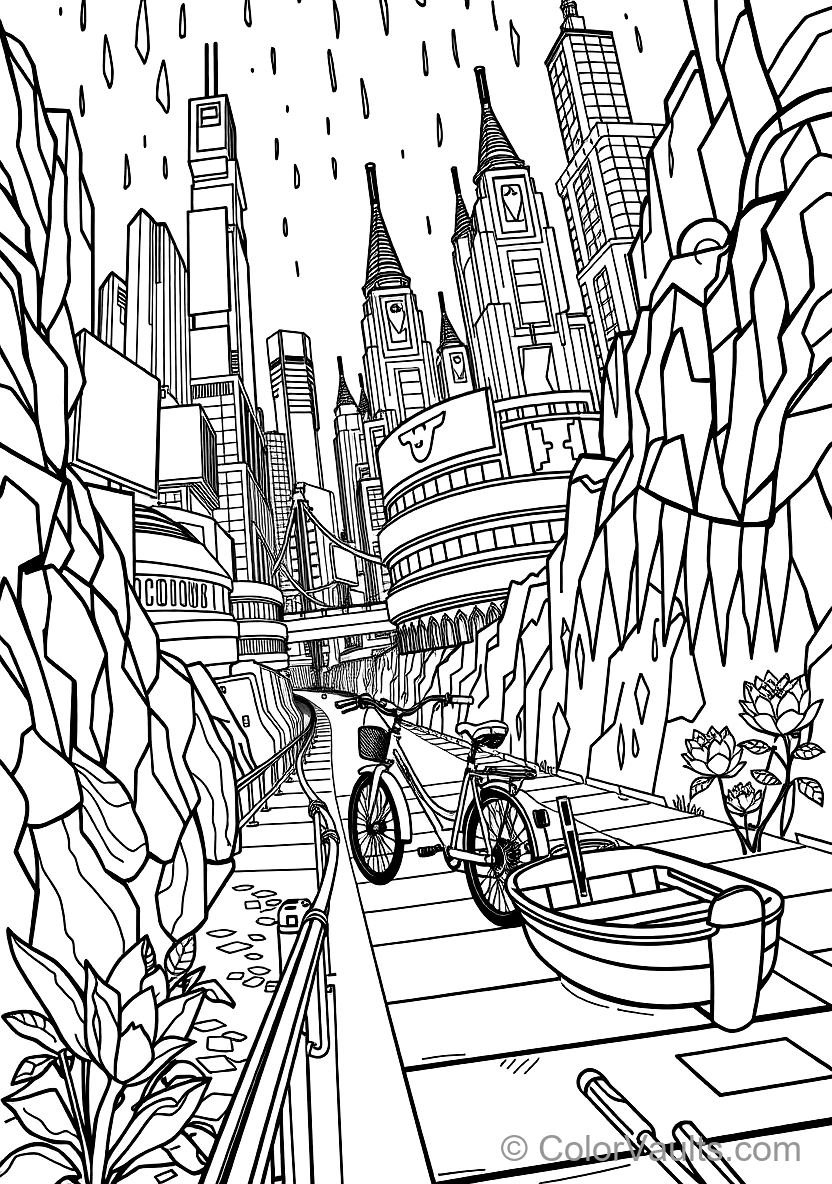
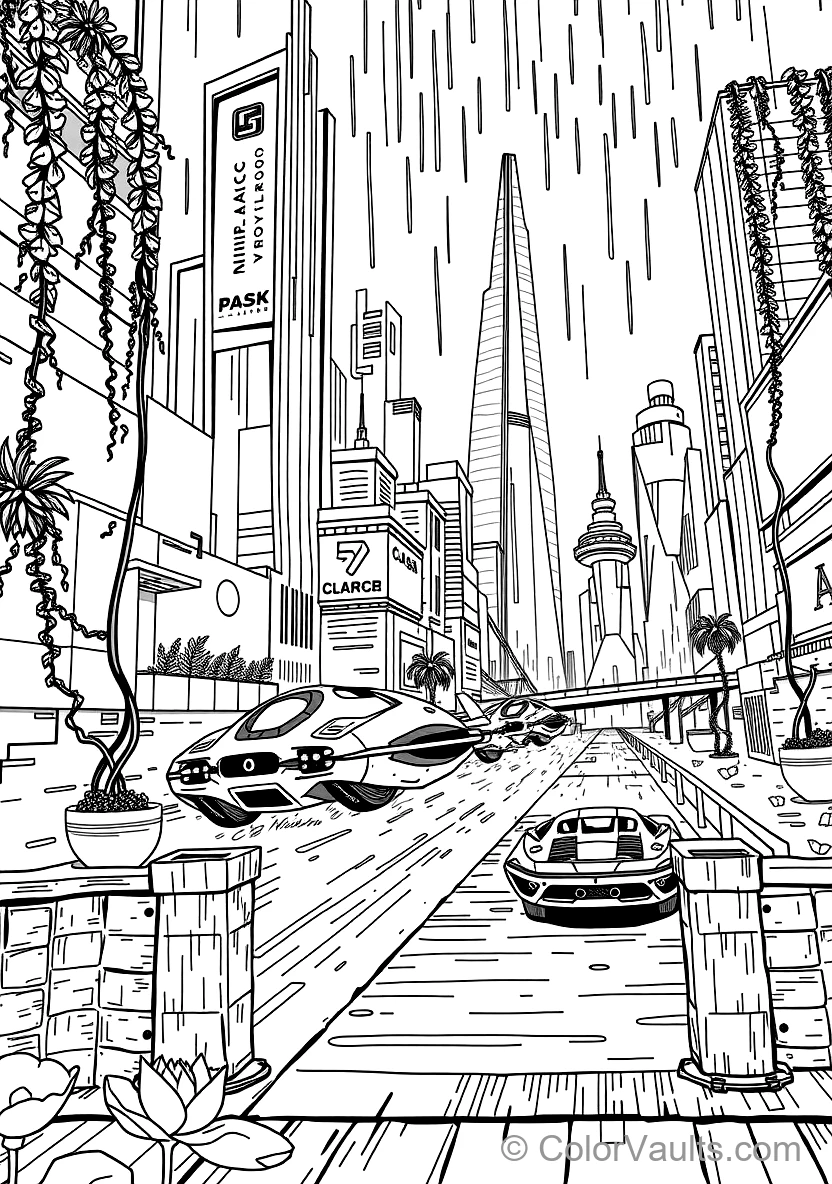
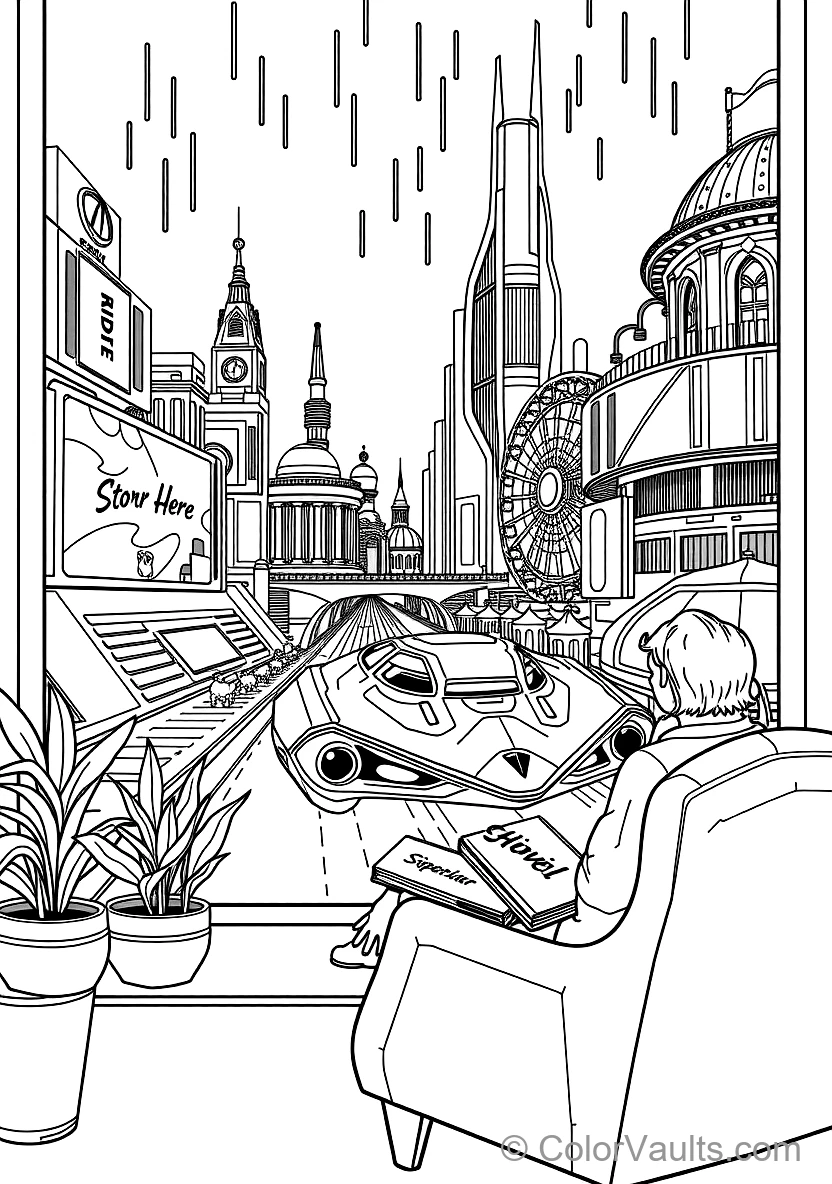
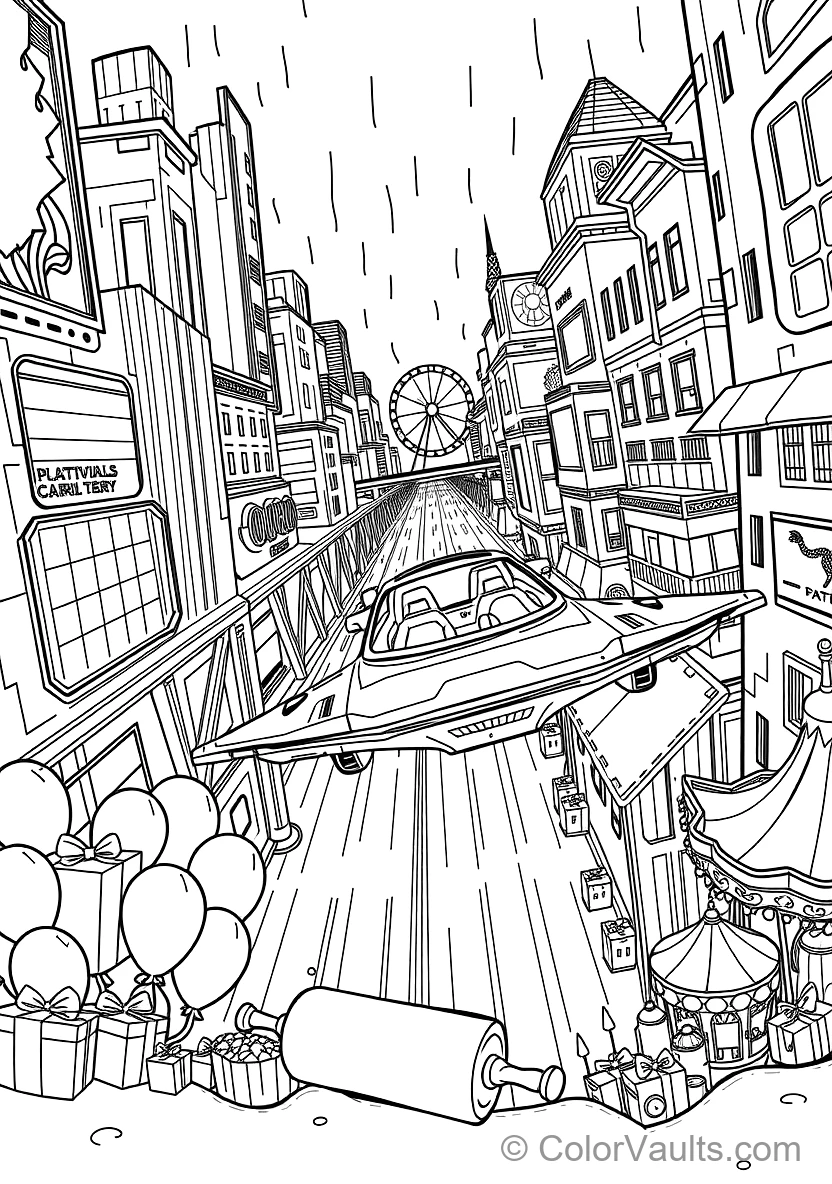
Map asphalt roads, lane markings, and pit stops on flattened cardboard for Holographic Billboards Towering Over Flying Hover Traffic (3) to zoom through!
✂️Supplies Needed
- Holographic Billboards Towering Over Flying Hover Traffic (3) coloring page
- Large cardboard box
- Black marker and white crayon
- Scissors and glue
👉View step-by-step guide (4)
- Color and cut out Holographic Billboards Towering Over Flying Hover Traffic (3), folding a cardboard stand tab beneath so it glides upright.
- Draw winding roads, intersections, and parking spots on the flattened box using a black marker.
- Use a white crayon or chalk to mark lane dividers, crosswalks, and finish lines.
- Zoom your Holographic Billboards Towering Over Flying Hover Traffic (3) along the highway and build roadside pit stops!
🛞
Rolling Vehicle with Bottle Cap Wheels
Mount Holographic Billboards Towering Over Flying Hover Traffic (3) onto a cardboard tube with skewer axles and plastic bottle caps to create a real rolling toy car.
✂️Supplies Needed
- Colored Holographic Billboards Towering Over Flying Hover Traffic (3)
- Toilet paper roll
- 4 plastic bottle caps
- 2 wooden skewers and drinking straws
👉View step-by-step guide (4)
- Tape two drinking straw segments underneath the cardboard tube to serve as axle sleeves.
- Slide wooden skewers through both straws to form working front and back wheel axles.
- With adult help, pierce holes through 4 bottle caps and push them securely onto the axle ends.
- Glue Holographic Billboards Towering Over Flying Hover Traffic (3) to the chassis and test-drive your rolling vehicle across the room!
🚦
Mini Traffic Signs & Drivers License Play Set
Craft stop signs and traffic lights on craft sticks and test your driving rules with Holographic Billboards Towering Over Flying Hover Traffic (3).
✂️Supplies Needed
- Holographic Billboards Towering Over Flying Hover Traffic (3) coloring page
- Cardboard
- Popsicle sticks
- Red, yellow, and green markers
👉View step-by-step guide (4)
- Color Holographic Billboards Towering Over Flying Hover Traffic (3) and draw a personalized pocket driver's license with your name.
- Cut an octagon STOP sign and a vertical traffic light from stiff cardboard.
- Mount each sign onto a craft stick and press into playdough bases to stand firmly.
- Drive Holographic Billboards Towering Over Flying Hover Traffic (3) through your indoor traffic test obeying every single road sign!
⛽
Toy Car Wash & Gas Station Pump
Craft a refueling station with yarn fuel hoses and hanging felt car-wash brushes for Holographic Billboards Towering Over Flying Hover Traffic (3).
✂️Supplies Needed
- Holographic Billboards Towering Over Flying Hover Traffic (3) coloring sheet
- Small cardboard box
- Yarn or flexible straw (fuel hose)
- Felt or paper strips
👉View step-by-step guide (4)
- Cover a small pantry box in clean paper and label it "FAST FUEL & CHARGING".
- Fasten a flexible straw or cord on the side to serve as your handheld fuel nozzle.
- Cut an entrance archway and hang fringe paper strips as spinning cleaning rollers.
- Roll Holographic Billboards Towering Over Flying Hover Traffic (3) in for a complete wash, wax, and full tank before your next big trip!
🏁
Grand Prix Checkered Finish Flag
Mount Holographic Billboards Towering Over Flying Hover Traffic (3) in the center of a bold checkered pennant flag to wave at the finish line.
✂️Supplies Needed
- Holographic Billboards Towering Over Flying Hover Traffic (3) coloring page
- White paper sheet
- Black marker and ruler
- Wooden stick or straw
👉View step-by-step guide (4)
- Rule a grid of 1-inch squares and fill alternating boxes black to form a checkered pattern.
- Color Holographic Billboards Towering Over Flying Hover Traffic (3) with blazing neon speed colors and cut out its silhouette.
- Paste the racing machine in the center of your checkered banner.
- Fasten onto a wooden dowel and wave it triumphantly as you take 1st place!
🎫
Punch-Out Transit Tickets & Conductor Badge
Print personalized passenger boarding passes for Holographic Billboards Towering Over Flying Hover Traffic (3) and punch them with a hole puncher.
✂️Supplies Needed
- Holographic Billboards Towering Over Flying Hover Traffic (3) coloring page
- Colored paper
- Hole punch
- Scissors
👉View step-by-step guide (4)
- Color passengers and driver details inside Holographic Billboards Towering Over Flying Hover Traffic (3).
- Cut 6 rectangular boarding tickets marked with fun destinations and seat numbers.
- Craft an official "CHIEF CONDUCTOR" inspector badge to pin onto your shirt.
- Collect tickets from your travelers and clip them with the hole puncher!
✈️
Clothespin Aeroplane with Cardboard Wings
Transform a wooden clothespin into a soaring biplane with wings trimmed from Holographic Billboards Towering Over Flying Hover Traffic (3).
✂️Supplies Needed
- Holographic Billboards Towering Over Flying Hover Traffic (3) coloring page
- Wooden clothespin
- Popsicle sticks or cardstock
- Craft glue
👉View step-by-step guide (4)
- Color rich aerodynamic designs on Holographic Billboards Towering Over Flying Hover Traffic (3) and cut out wing and tail fins.
- Glue one craft stick across the top of the clothespin and one below to form a classic biplane.
- Glue the tail rudder securely at the rear tip.
- Swoop your hand through the air performing barrel rolls and loop-the-loops!
🚢
Floating Cork Raft & Sailboat for the Tub
Anchor a paper sail made from Holographic Billboards Towering Over Flying Hover Traffic (3) into wine corks to sail a buoyant vessel in your bath or sink.
✂️Supplies Needed
- Holographic Billboards Towering Over Flying Hover Traffic (3) coloring page
- 3 wine corks
- 2 rubber bands
- Wooden skewer for mast
👉View step-by-step guide (4)
- Bind three corks tightly side-by-side using two rubber bands to build a raft hull.
- Color and cut out a triangular mainsail from Holographic Billboards Towering Over Flying Hover Traffic (3), covering it with tape to waterproof it.
- Thread the skewer through the top and bottom of the sail and plunge into the center cork.
- Set sail in the bathtub or kitchen sink and blow wind into the sails!
🚀
Straw-Powered Rocket Blast-Off Toy
Attach a paper sleeve behind Holographic Billboards Towering Over Flying Hover Traffic (3), slip it onto a drinking straw, and blow hard to launch into orbit!
✂️Supplies Needed
- Holographic Billboards Towering Over Flying Hover Traffic (3) coloring page
- Drinking straw
- Clear tape
- Safety scissors
👉View step-by-step guide (4)
- Color Holographic Billboards Towering Over Flying Hover Traffic (3) with thruster flames and aerodynamic markings, then cut out.
- Roll a small scrap of paper loosely around the straw to form a snug sleeve cylinder.
- Pinch and fold the top tip shut with tape so air cannot escape through the top.
- Tape the rocket tube behind Holographic Billboards Towering Over Flying Hover Traffic (3), slide onto the straw, and blow hard to launch towards the stars!
🎒
Sturdy Backpack & Luggage Travel Tag
Laminate a vibrant ID badge featuring Holographic Billboards Towering Over Flying Hover Traffic (3) to easily identify your school backpack or vacation luggage.
✂️Supplies Needed
- Colored cutout from Holographic Billboards Towering Over Flying Hover Traffic (3)
- Heavy cardstock
- Clear contact paper
- Hole punch and key ring
👉View step-by-step guide (4)
- Color Holographic Billboards Towering Over Flying Hover Traffic (3) brightly and jot your name and contact phone number on the blank back.
- Encase the cutout between two layers of clear protective laminate film.
- Punch a hole near the top reinforced corner.
- Thread a key ring or durable zip tie through and loop securely to your backpack zipper!
🅿️
Egg Carton Multi-Level Parking Garage
Engineer a multi-bay parking facility and rooftop helipad from an upcycled egg carton for Holographic Billboards Towering Over Flying Hover Traffic (3).
✂️Supplies Needed
- Holographic Billboards Towering Over Flying Hover Traffic (3) coloring page
- Empty 10 or 12 egg carton
- Craft paint or markers
- Cardboard entry ramp
👉View step-by-step guide (4)
- Paint the carton top asphalt gray and mark out yellow parking stalls with numbers.
- Tape a stiff cardboard ramp sloping from the floor up to the garage roof level.
- Draw a bold white circle with an "H" on the roof for emergency helicopter landings.
- Park Holographic Billboards Towering Over Flying Hover Traffic (3) neatly into its personal covered stall after a day of speedy adventures!
🖼️
Vintage Motor Club Garage Poster in Frame
Detail Holographic Billboards Towering Over Flying Hover Traffic (3) with custom sponsor badges, sign your creation, and display it proudly on your wall.
✂️Supplies Needed
- Finished art of Holographic Billboards Towering Over Flying Hover Traffic (3)
- A4/Letter picture frame
- Metallic silver/gold markers
- Cardboard mat
👉View step-by-step guide (4)
- Accent chrome rims, bumpers, and lights using reflective metallic gold or silver markers.
- Sketch retro speed stripes or a racing team emblem in the backdrop.
- Mount squarely onto a black or dark red mat board for intense visual contrast.
- Seal inside a frame and hang it up in your room like a true racing paddock!